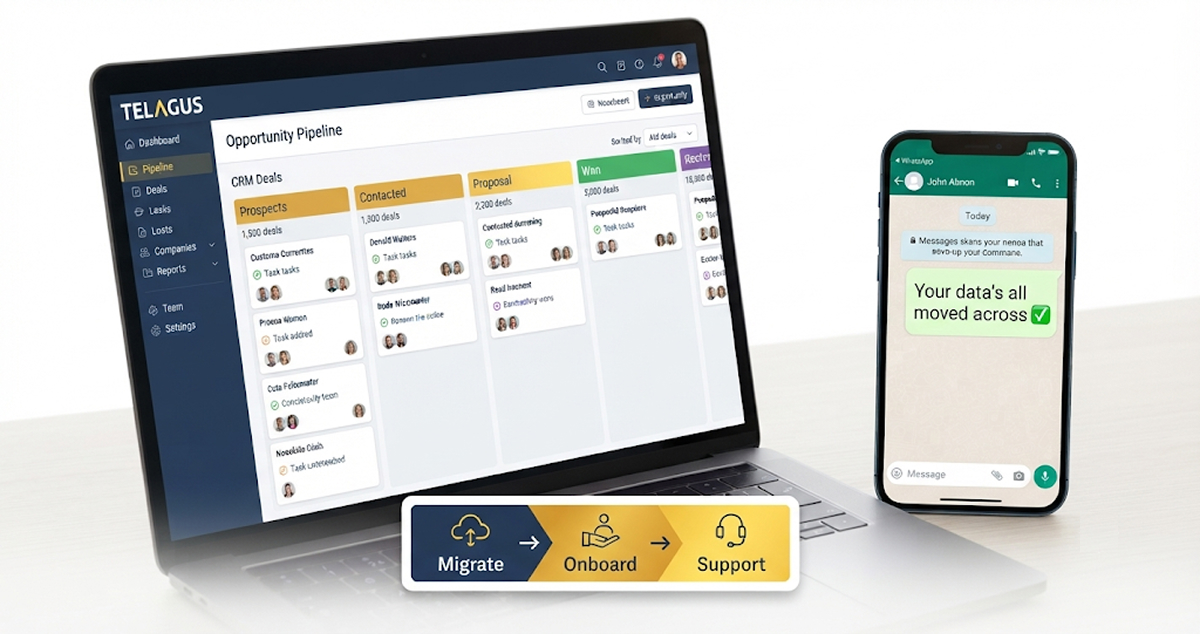
Changing CRM can cost more than the CRM itself. Some vendors charge a one-off onboarding fee of $1,500 to $3,500 before you have logged a single lead, and many leave the data move to you. On every paid Telagus plan, we move your data for you, set your account up with you and support you in a private WhatsApp group, at no extra cost.
If you have put off switching CRM because it sounds expensive, slow or fiddly, this guide shows where the real costs hide, what the big CRMs charge to get you started, and how a switch to Telagus works in practice.
The hidden costs of switching CRM
The monthly price is the number everyone compares. The costs that catch small businesses out usually come before that first monthly bill:
- Setup and onboarding fees. Some CRMs charge a one-off fee on their higher plans just to get you up and running.
- Moving your data yourself. Exporting from your old system, cleaning the spreadsheet, matching columns and fixing what did not come across takes hours, and it is usually the business owner who ends up doing it.
- Waiting on support tickets. When something does not look right in week one, a ticket queue and a reply days later is a slow way to get going.
- Lost momentum. A half-finished setup means the team carries on with the old spreadsheet, and the new CRM never quite takes over.
None of these show up on a pricing page, but together they decide whether a switch feels painless or painful.
Five questions to ask any CRM before you switch
- Is there a setup or onboarding fee, and is it charged even if we do not use it?
- Who moves our data: your team, a third-party tool, or us?
- What exactly comes across: contacts only, or deals, notes and history too?
- How many onboarding or training sessions are included, and what happens when a new person joins?
- When something goes wrong, how do we reach a real person, and how quickly do they reply?
The answers tell you the true cost of switching far better than the headline monthly price. Here is how the big names compare.
What the big CRMs charge to get you started
Here is what four well-known CRMs say about onboarding and data migration. Figures are in US dollars, as published by the vendors or independent pricing guides; UK prices can differ.
| CRM | Onboarding | Data migration |
|---|---|---|
| HubSpot | One-off fee on Professional and Enterprise: $1,500 and $3,500 on Sales Hub, $3,000 on Marketing Hub Professional. No fee on Starter. | Not covered here |
| Pipedrive | Not covered here | Through Import2, a third-party tool: free up to 1,000,000 records, run by you, with Import2 handling any problems |
| Zoho CRM | One-to-one onboarding sessions come with Premium Support, which costs 20% of your subscription. Zoho also sells a separate setup service called Jumpstart. | Not covered here |
| Close | Not covered here | Free migration for teams moving off HubSpot Sales Hub, offered through 2026 |
| Telagus | Free and unlimited on every paid plan | Free on every paid plan: we move whatever you ask, within 2 working days |
Prices checked November 2026. Sources: ExpertSure HubSpot pricing guide, Docket HubSpot Marketing Hub pricing, Pipedrive: importing data using Import2, Zoho CRM support plans, Close: free HubSpot migration.
Two details are worth knowing. According to Docket, HubSpot’s Marketing Hub Professional onboarding fee is charged whether or not your team uses the onboarding. And Close’s free migration is a time-limited offer for teams leaving HubSpot, not a standing service for everyone.
None of this makes those CRMs bad choices. It just means the cost of getting started is worth checking before you sign. Most CRMs do not include hands-on migration and setup as standard, which is why we decided to.
Free data migration: we move it, you check it
On any paid Telagus plan, our team moves your data across for you. You do not need to clean up a spreadsheet or work out which column goes where.
What we can move from
- Spreadsheets and CSV files, including the lists many small businesses keep in Excel or Google Sheets
- Any CRM that lets you export your data, such as HubSpot, Pipedrive or Salesforce
- Zoho CRM, using our Zoho import: we connect your Zoho account, match your Zoho fields to Telagus fields and bring your leads across, with their notes if you want them
What we move
Whatever you ask us to. For most businesses that means contacts, companies, deals and notes, but if there is something else you rely on, tell us and we will bring it across. The only limit is your plan’s own lead allowance, which you can see on the pricing page.
How long it takes
Within 2 working days of receiving your data. You keep using your old system until then, so nothing is lost in the gap, and you check everything once it is in Telagus.
Free onboarding: your first week with Telagus
Onboarding is free and unlimited on every paid plan. We do not cap the number of sessions, so you can come back with questions in week three as easily as in week one.
A typical first week looks like this:
- Kick-off call. We talk through how you sell today: where leads come from, who follows them up and what a won deal looks like.
- Account setup, together. We set up your pipeline stages, add your team and connect the tools you use, such as your email inbox and phone numbers.
- Your data arrives. Your migrated records land in Telagus within 2 working days, and we go through them with you.
- Training for the team. Short sessions on the parts each person will use every day, from logging calls to sending quotes.
- Follow-up whenever you need it. Because onboarding is unlimited, you can book another session whenever a new team member joins or you want to try a new feature.
The aim is simple: by the end of the first week, your team is working in Telagus, not still half in the old spreadsheet.
Support in a private WhatsApp group
Every paid Telagus customer gets a private WhatsApp group with our team. It is your own group, not a public community channel.
Why WhatsApp suits small businesses
- It is already on your phone, so there is no new app, portal or login to remember.
- You can send a screenshot or a quick voice note instead of writing a long ticket.
- The whole conversation stays in one thread, so you never have to explain the background twice.
Response times
We reply within 24 hours, Monday to Friday. Messages sent on Saturday or Sunday are answered on the next working day.
How to switch to Telagus in 3 steps
- Choose a paid plan. Compare Starter, Growth and Business on the pricing page. Free migration, onboarding and WhatsApp support come with all three.
- Send us your data. Share your export or spreadsheet, or connect your Zoho account, and tell us what you want moved. We have it in Telagus within 2 working days.
- Book your onboarding. We set up your account with you, train your team and add you to your private WhatsApp group.
Want to see Telagus before you decide? You can start on the Forever Free plan to look around, then move to a paid plan when you want us to migrate your data. Or book a guided tour and ask us anything about switching.
If you are comparing options, our guides to Telagus vs HubSpot, Telagus vs Zoho CRM and Telagus vs Salesforce cover the features side, and our CRM pricing comparison shows what a 5-person team pays in year one.
Frequently asked questions
Is data migration really free?
Yes. On every paid Telagus plan, we move your data from your old CRM or spreadsheets at no extra cost. It is not a limited-time offer.
Is migration included on the Forever Free plan?
No. Free migration, onboarding and WhatsApp support come with the paid plans: Starter, Growth and Business.
How long does a CRM migration take?
We move your data within 2 working days of receiving it. You can keep using your old system until it is done.
What data can you move?
Whatever you ask us to, such as contacts, companies, deals and notes. We work from spreadsheets, CSV files and exports from any CRM, and we can import leads and notes directly from Zoho CRM. Your plan’s lead allowance applies.
Is there a limit on onboarding sessions?
No. Onboarding is unlimited on every paid plan, so you can book more sessions when new people join or you want help with a new feature.
How fast does WhatsApp support reply?
Within 24 hours, Monday to Friday. Messages sent at the weekend are answered on the next working day.